Identify What Isn’t Working for Work Order Management
It’s easy to spot a bad outcome when it happens. It’s much harder to figure out why the system isn’t working as designed, and how to fix it.
You’ll always have people or equipment problems here and there; that is the fundamental challenge of operations. But if your work order management system is always behind or incorrect, it is a process problem.
Work orders have a lot of moving pieces, from the people to the equipment to the documentation and everywhere in between. However, your work order management issues can generally be simplified into:
1. The system doesn’t work for the people using it.
There are no clear workflows for approvals or timelines for dispatch. No one is sure who has ownership of what. Field technicians or vendors find the system difficult to use, so they don’t use it.
2. The system doesn’t track information the way it should.
Repair records are scattered across email, text, and spreadsheets. Key asset history is missing, so technicians don’t have the info they need to make a fix. Someone said the spare part needed for the repair was on the truck, but it went missing.
The result? Equipment downtime and facility challenges, which mean your restaurant loses revenue, has negative customer experiences, and creates stress and turnover for staff.
Focus on the Basics: Fixing Your Work Order Tracking
A well-functioning work order tracking system starts with the basics: your process needs to be people-friendly and use centralized, accurate information.
As part of your process, you may consider using tools like a centralized maintenance management system (CMMS). A CMMS is a work order management platform, providing end-to-end visibility into all maintenance requests. With a formal record, your restaurant organization can create, track, and complete work orders in one place. Over time, a CMMS can help you create more advanced strategies in proactive maintenance, instead of a reactive, emergency-based maintenance approach.
But to start, review different areas of your work order management to ensure you have a strong foundation for tasks across your restaurant organization.
Centralize data and communication
Your work orders, and everything associated with them, should live in one central location. Initial submissions, repair notes, photos, readings, and invoicing should all be tied to one record, not spread out across text messages and emails. One central record captures more of the work order process being done at your restaurants and allows everyone to focus on one source of truth. And by using a tool like a CMMS, you can incorporate direct assignments and tagging into your work orders, streamlining vendor and technician communications.
Leverage priority levels on work orders
Your restaurants all have certain equipment or facilities details that are “showstopper” problems (walk-in cooler malfunctioning, sewage problem), versus issues that need attention but aren’t urgent (irregular readings on deep fryer, broken light bulb). In a work order system, you need to be able to route urgent tasks differently, so that leadership and repair teams are able to tackle critical items first. Your levels may be high-medium-low priority, or emergency, corrective, and preventive. Whatever categories you decide, you can create separate workflows and monitor accordingly.
Focus on “end-to-end” visibility
With a common (and reliable) record for work orders, you build accountability across your organization without adding more micromanagement. The work is taking place within your facilities management team and at your restaurants. Give everyone visibility into the open work orders, assignments, work order notes, and more. Technicians and vendors can focus on updating work orders instead of giving status updates, and managers can see progress (or stalling issues) and intervene when necessary.
Give everyone the tools the need to be successful
The intake of work orders is a critical step for the actual repair of issues. Unnecessary or incomplete work orders can clog up your work order pipeline or require multiple trips to fix. Give your restaurant staff the tools they need through work order templates made for their specific location, so that they can quickly generate work order tickets that include all important details (equipment specifics, asset history, photos, etc). You can also consider leveraging QR codes directly on equipment that link to asset history, basic troubleshooting steps, and more, so that “nuisance” work orders are minimized.
Make the system field-work friendly
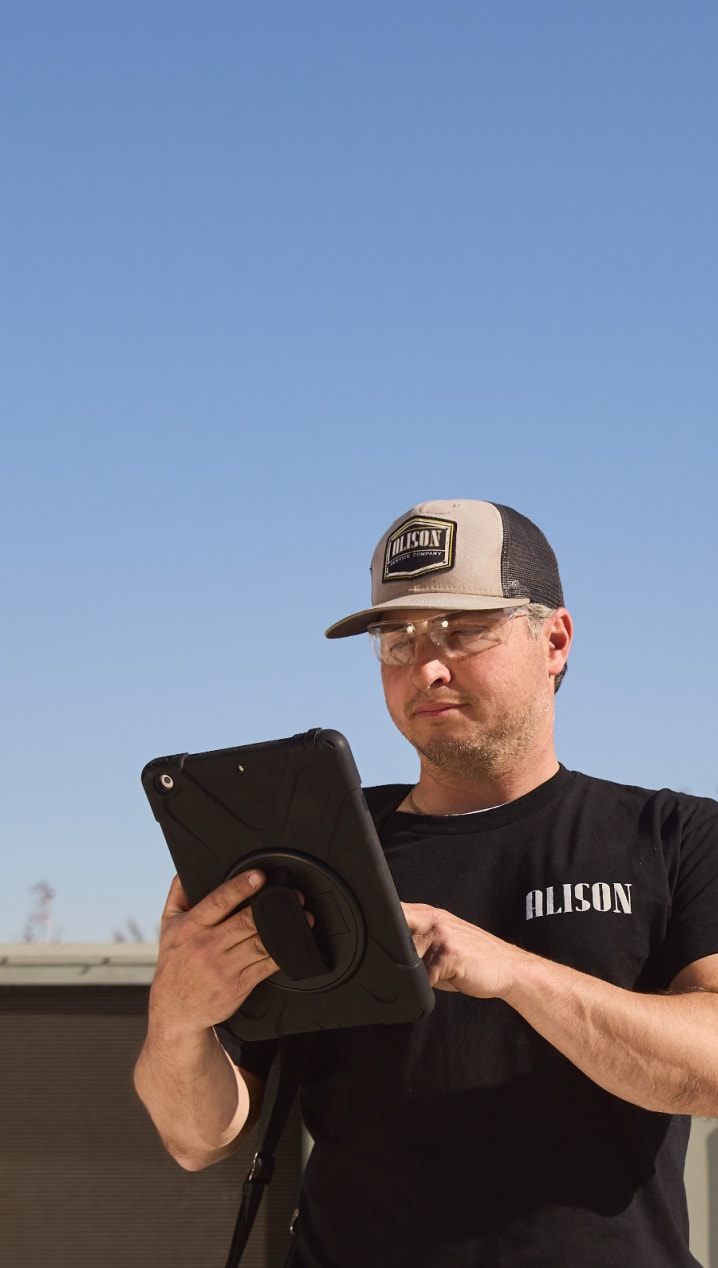
A tough truth: If your technicians find your work order system difficult to use, they will not use it fully — and this will affect overall restaurant maintenance. Make it easy for your technicians to log updates by choosing a mobile-friendly WO system. This allows technicians to log notes, photos, and readings directly from the field, instead of technicians logging incomplete notes while sitting in front of their computer at the end of the day. With a mobile app, techs can update work order status, log time stamps for drive time or repair time, note parts used, and add relevant comments immediately upon finishing a work order.
Better scheduling
Your work order tracking needs to be able to adjust to changing priorities, but you also don’t want to lose visibility during changes. A high-level scheduler view can help you make strategic changes when necessary, while ensuring you aren’t overloading technicians or creating gaps. Robust analytics can also help you maintain priority for “important but not urgent” tasks like Preventive Maintenance (PM), which can be digitized and then automated. With helpful scheduling tools, your work order system benefits from both flexibility and consistency.
Clearly define roles and accountability
To ensure your facilities management team is set up for success, leverage CMMS tools to create workflows that define who does what, and on what timeline. Every step in the work order process can be tracked, so you can see who signed off, time stamps, and the cause of any delays. A CMMS also comes with tools from mobile push notifications or emails to help your busy team stay on top of it all.